How Hackers Compromise Business Email Accounts (And How to Stop Them)
Business email accounts are among the most targeted assets in any organization. A compromised email account gives an attacker something money can't easily buy: trust. Messages from a known sender get opened, links get clicked, wire transfers get approved. Understanding how attackers get in is the most practical thing you can do to defend against them.
Email account compromise doesn't require sophisticated nation-state tools. The most common methods are surprisingly low-tech and depend on human behavior as much as technical weaknesses.
The Most Common Attack Methods
Phishing
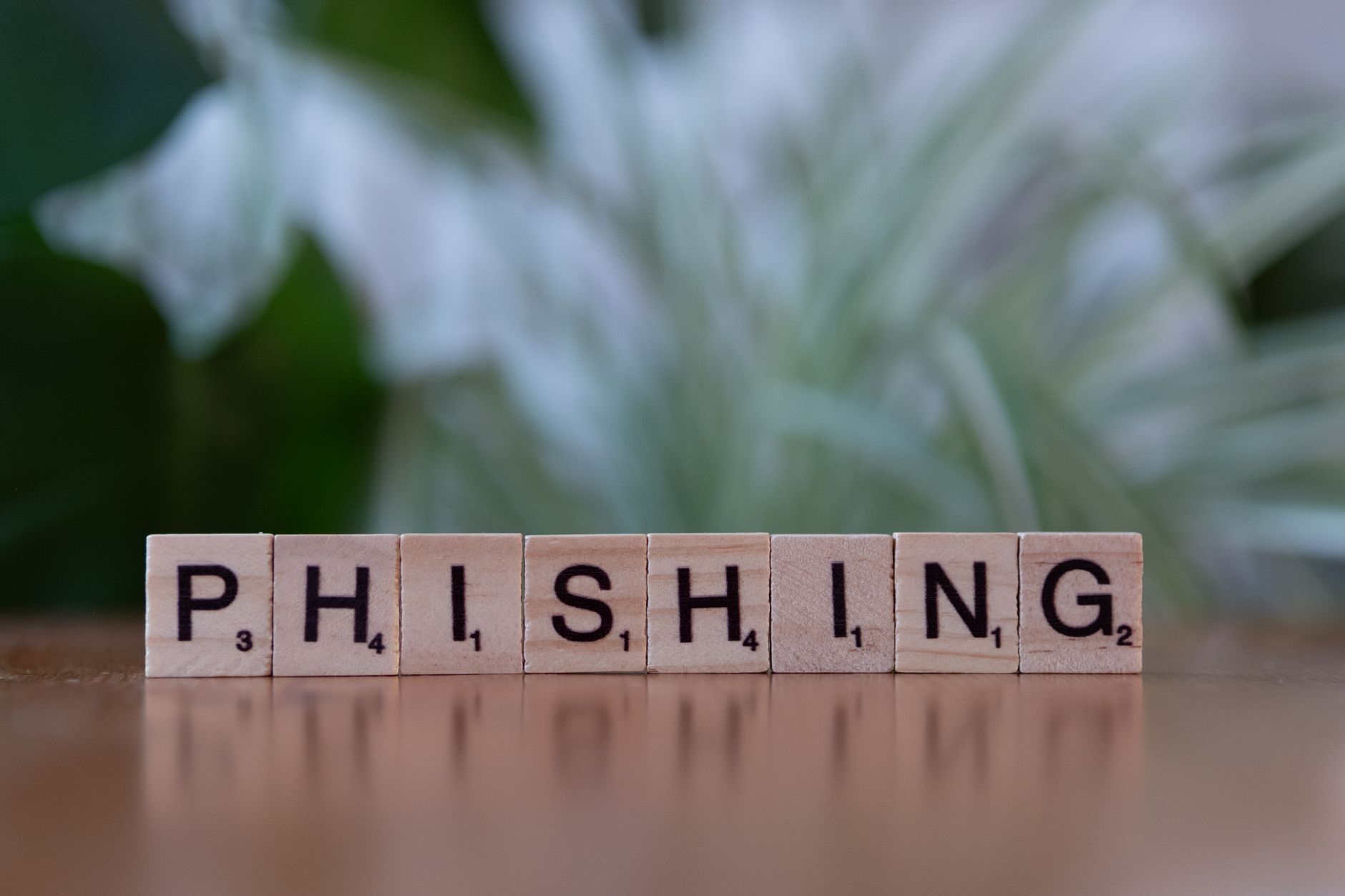
Phishing remains the number one way attackers gain access to email accounts. A convincing email impersonates an internal IT team, a known service, or a manager, directing the target to a fake login page. The victim enters their credentials, and the attacker captures them in real time.
Modern phishing kits are sophisticated. They use proxying techniques to relay the actual login process — including multi-factor authentication prompts — capturing session tokens even when MFA is enabled. This is why MFA alone isn't enough if it relies on one-time codes that can be replayed.
Credential Stuffing
Billions of username and password combinations from past data breaches are freely available in underground markets. Attackers run these credentials against email login portals automatically. If your employees reuse passwords from personal accounts that have been breached, their work email is exposed — and the attacker never has to send a single phishing message.
Password Spraying
Instead of trying many passwords against one account (which triggers lockout), password spraying tries a single common password against many accounts simultaneously. Passwords like "Autumn2025!" or "Company2024" succeed more often than you'd expect, especially against organizations that don't enforce strong password policies or flag login anomalies.
SIM Swapping
If an employee uses SMS-based two-factor authentication, an attacker who can social-engineer their mobile carrier into transferring the phone number to a new SIM can intercept those codes. SIM swapping is typically targeted at executives or high-value accounts where the effort is worth it.
Silent Email Forwarding Rules
Once inside an account, sophisticated attackers don't immediately steal data — they set up silent forwarding rules. All incoming mail gets forwarded to an external address, and the rule is hidden in obscure subfolders or uses conditions that make it hard to notice. The attacker then monitors the account passively for weeks or months.
What Attackers Do Once They're In
Access to a business email account enables several high-value attacks:
- Business Email Compromise (BEC): Impersonating the account owner to request wire transfers, invoice payment changes, or sensitive data from colleagues and vendors
- Lateral movement: Using the compromised account to send phishing emails to internal contacts who trust the sender
- Data theft: Exfiltrating contracts, HR records, financial data, or intellectual property
- Persistent access: Creating email rules, aliases, or OAuth app connections that survive a password reset
Warning Signs of a Compromised Account
Catching a compromise early limits the damage significantly. Watch for:
- Login activity from unfamiliar geographic locations or at unusual hours
- Email forwarding rules the account owner didn't create
- Sent items the account owner doesn't recognize
- Contacts reporting unusual messages from the account
- Password reset emails that weren't requested
- New connected apps or OAuth authorizations in account settings
Most email platforms log login history. Encourage employees to review this periodically, and set up alerts for logins from new devices or locations where that's available.
Practical Defenses That Actually Work
Use Phishing-Resistant MFA
SMS and app-based one-time codes can be defeated by real-time phishing proxies. Hardware security keys (FIDO2/WebAuthn) are bound to the specific domain — a fake login page can't steal the token because it's validated against the origin URL. For executive accounts and anyone handling financial transactions, hardware keys should be mandatory.
Enforce Unique, Strong Passwords
A password manager eliminates both weak passwords and password reuse. If your employees aren't using one, adopt an organizational policy and roll out a tool. Most credential stuffing attacks would fail immediately if employees used unique passwords for every service.
Audit OAuth Permissions Regularly
Review which third-party applications have access to your email accounts. Revoke access for apps that are no longer in use, and set up alerts for new OAuth authorizations. Attackers often establish OAuth connections precisely because they survive password resets.
Monitor for Anomalous Login Activity
Enable login alerts for new device or location access. Most corporate email platforms provide this in security settings. If a login comes from a country where you don't operate, you want to know immediately — not after a week of quiet data exfiltration.
After a Compromise: What to Do First
If you suspect an account has been compromised:
- Reset the password immediately and revoke all active sessions
- Check and remove any unauthorized email forwarding rules
- Review OAuth app authorizations and revoke anything unfamiliar
- Audit sent items and inbox for signs of lateral phishing or data theft
- Notify your security team so they can check other accounts for related activity
- Review login history for the full duration of the suspected compromise
For more on securing business email, see our guides on multi-factor authentication and detecting compromised accounts. MailDog's DNS security tools help lock down your domain against spoofing and phishing. If you're evaluating email infrastructure with security built in, explore the MailDog mail service or contact the team directly.
Security Is a Habit, Not a Feature
Email accounts get compromised not because organizations lack the right tools, but because those tools aren't consistently applied. Phishing-resistant MFA, strong unique passwords, login monitoring, and regular OAuth audits together close the vast majority of attack paths. Pick the controls you haven't implemented and start there — the most important ones are also the most straightforward.