MFA for Business Email: Why Passwords Alone Can't Protect Your Accounts
The Password Problem
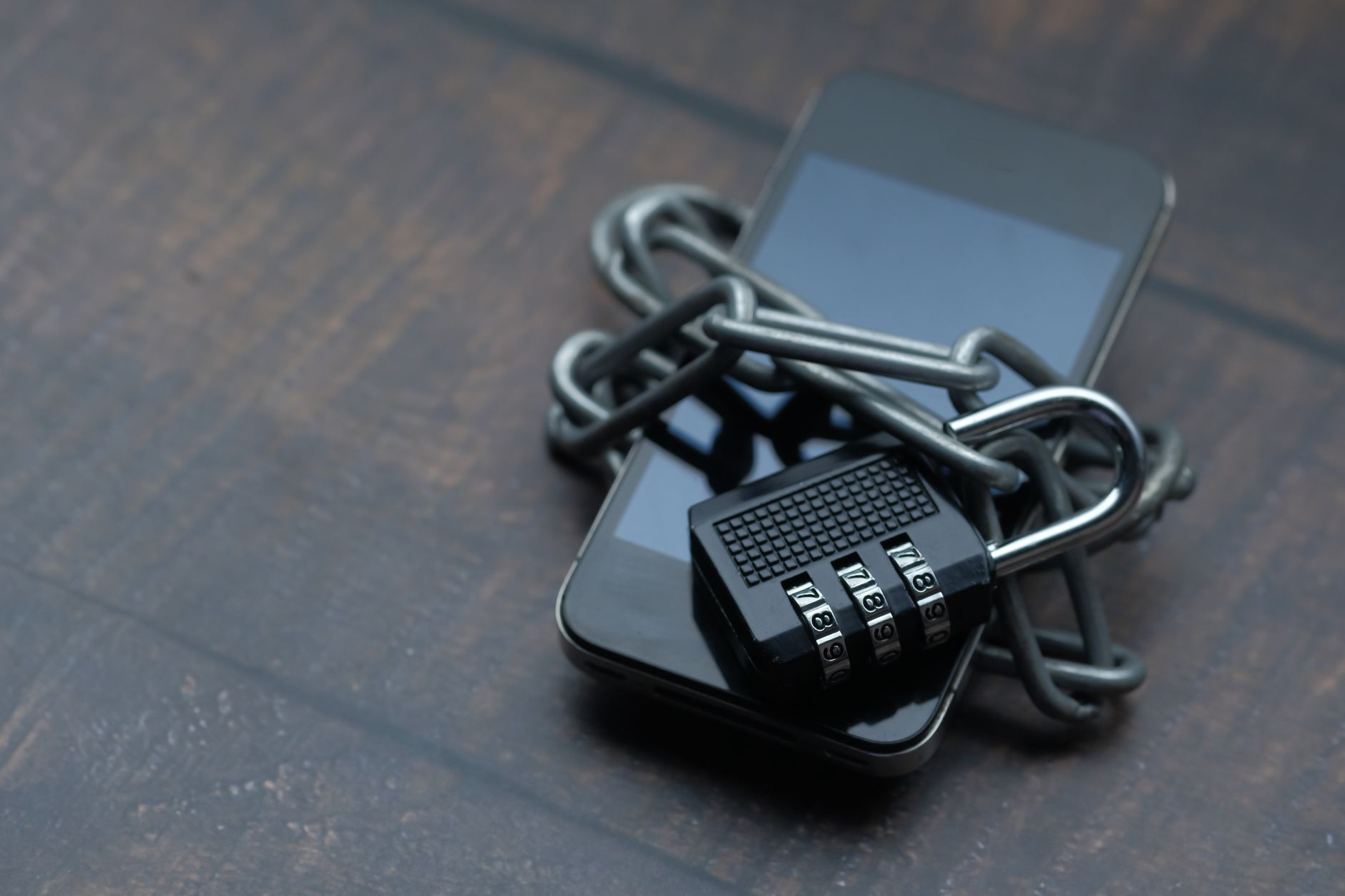
Most business email accounts are protected by a single password. That password might be strong — long, random, and unique — or it might be reused across five other services. Either way, a password alone is a single point of failure. Obtain the password by any means and you have full, immediate access to the account and everything in it.
The attack methods for stealing passwords are well-established and require almost no technical skill to execute: phishing, credential stuffing from breached databases, keyloggers, and social engineering. Off-the-shelf phishing kits capable of capturing credentials in real time are available to anyone willing to pay for them. The sophistication barrier has effectively disappeared.
Multi-factor authentication — MFA, or sometimes called two-factor authentication (2FA) — adds a second verification requirement beyond the password. Even if an attacker obtains the password, they can't access the account without also producing the second factor. This single control defeats the overwhelming majority of credential-based account takeover attempts.
How MFA Works
Authentication factors fall into three categories:
- Something you know: A password or PIN
- Something you have: A phone, hardware security key, or smart card
- Something you are: A biometric — fingerprint, face recognition
MFA requires at least two different categories. The most common business email MFA setup is a password combined with a time-based one-time code from an authenticator app. Even if a phishing attack captures the password, the attacker would also need physical access to the device running the authenticator app to complete login. That second requirement stops most attacks cold.
Comparing MFA Methods
Authenticator Apps
Apps like Google Authenticator, Microsoft Authenticator, and Authy generate time-based one-time passwords (TOTP) that change every 30 seconds. This is the most widely supported MFA method across business email platforms and provides strong protection at no cost. The main risk is device loss — without backup recovery codes, getting locked out of an account can be disruptive.
Hardware Security Keys
Physical security keys (FIDO2/WebAuthn devices like YubiKey) plug into a USB port or authenticate via NFC. They provide the strongest available MFA protection because they're inherently phishing-resistant: authentication is cryptographically bound to the specific website URL, so even a sophisticated real-time phishing proxy can't intercept or replay the authentication.
For executive accounts, finance team members, or anyone with access to sensitive business systems, hardware keys are worth the additional cost. The threat model for these accounts justifies the investment.
SMS-Based One-Time Codes
SMS codes are better than no MFA. But they're the weakest option in this list. SIM-swapping attacks — where an attacker convinces a mobile carrier to transfer a phone number to their control — can intercept SMS authentication codes. For business accounts, SMS MFA is acceptable as a transitional measure, but authenticator apps should be the target configuration.
Push Notifications
Services like Duo Security and Microsoft Authenticator offer push notification approval: a prompt appears on the user's phone and they tap "Approve" to complete login. Convenient, but vulnerable to MFA fatigue attacks — where attackers repeatedly trigger prompts hoping the user approves one out of confusion or annoyance. Mitigate this by requiring number matching, where the user must enter a specific number displayed on the login screen before approving.
Rolling Out MFA Across Your Organisation
The technical implementation is usually the easy part — most business email platforms support MFA configuration natively. The harder work is getting every account enrolled and keeping enrollment current as staff join, leave, and change devices.
A practical rollout approach:
- Inventory accounts: Know exactly how many accounts exist, and which carry highest risk — admin access, finance roles, executive accounts.
- Choose a standard method: Pick one MFA method as the organisation default. Authenticator apps are the right choice for most teams.
- Enrol in phases: Start with high-risk accounts. Give the broader team a reasonable deadline for enrollment with clear instructions.
- Make it mandatory: Configure your email platform to require MFA for all logins with no bypass option. Optional MFA gets skipped.
- Document recovery procedures: What happens when someone loses their phone? The recovery process must be secure and tested — this is often where a backdoor inadvertently appears.
Common MFA Mistakes to Avoid
- Leaving legacy protocols enabled: IMAP and POP3 connections often bypass MFA because they don't support modern authentication flows. If these protocols are unused, disable them entirely. If they're required, ensure your platform forces app-specific passwords for legacy connections.
- Carving out exceptions for "power users": Every account exempt from MFA is a potential entry point. Administrators and executives are higher-value targets, not lower-risk ones.
- Untested recovery procedures: Test the recovery process before someone needs it in an emergency. The process that looks reasonable on paper often has flaws that only appear under real conditions.
MFA and Business Email Compromise
Business email compromise (BEC) — where attackers gain control of an email account and use it to redirect payments, impersonate executives, or launch further attacks — is one of the highest-cost cybercrime categories globally. The vast majority of BEC incidents start with credential theft. MFA is the most direct technical control against BEC because it makes stolen credentials alone insufficient to gain access.
If you're reviewing your full email security posture, the post on how hackers compromise business email accounts covers the attack methods that MFA protects against in detail. Pairing MFA with end-to-end encryption covers both the access layer and the content layer — the email encryption guide explains the options.
For organisations building on a properly secured foundation, MailDog's mail service supports the authentication policies and access controls needed to enforce MFA across your organisation. Security starts with access control — and MFA is the most practical, highest-impact access control you can implement today.