BIMI Explained: How to Get Your Logo Showing Up in the Inbox
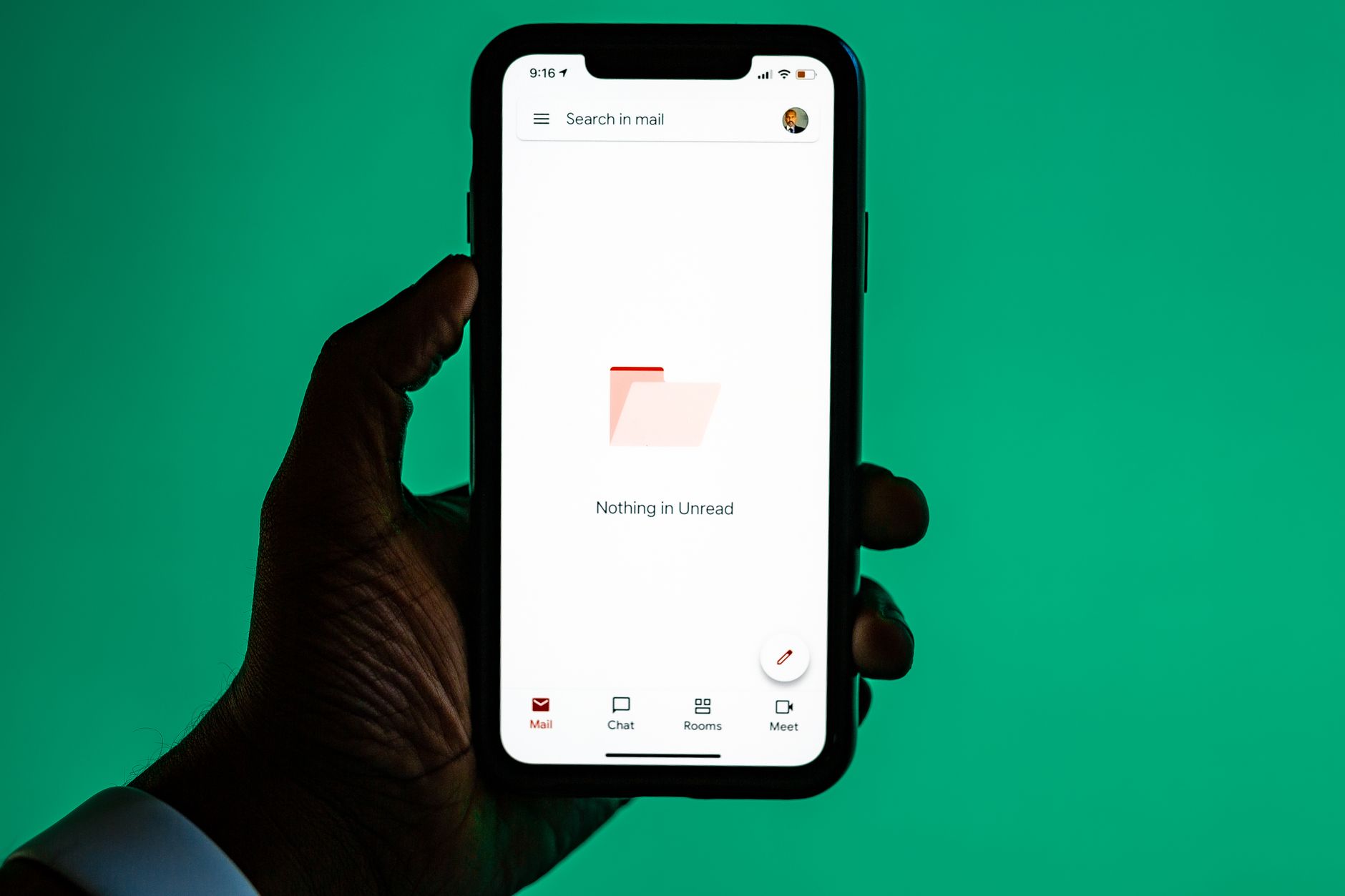
BIMI stands for Brand Indicators for Message Identification, and it's the reason some companies show up in Gmail or Apple Mail with a small circular logo next to their name while everyone else gets a plain gray avatar. It sounds like a cosmetic feature, but the effect on how recipients perceive a message is real. A verified logo sitting in the inbox next to a subject line reads as legitimate before the recipient even opens the email.
What makes BIMI worth understanding is that it isn't a feature you sign up for. It's a reward for having already done the authentication work that mailbox providers care about. If your domain isn't authenticated properly, BIMI simply won't display, no matter how good your logo looks.
Why BIMI depends on DMARC enforcement
BIMI has a hard prerequisite: your domain needs a DMARC policy set to p=quarantine or p=reject, not p=none. Mailbox providers use this as proof that you're not just publishing authentication records for show — you're actually willing to have unauthenticated mail rejected or sent to spam. That's the trust signal BIMI is built on.
If your DMARC record is still sitting at p=none while you monitor reports, you're not ready for BIMI yet, and that's fine. Get your SPF and DKIM alignment solid first, watch your DMARC aggregate reports for a few weeks to confirm legitimate mail isn't failing, and then move the policy to enforcement. Only after that should you circle back to BIMI.
The logo file itself has strict requirements
BIMI doesn't accept a PNG or JPEG pulled from your marketing site. The logo must be an SVG file in the SVG Tiny Portable/Secure (SVG-P/S) profile, which strips out scripts, external references, and anything that could be a security risk. Most standard SVG export tools don't produce a compliant file on the first try, so plan on running it through a validator before you publish it.
The logo also needs to be square, centered, and simple. Intricate designs with fine detail don't render well at the small size mailbox providers display them at. A clean, high-contrast mark works better than a full wordmark with taglines.
Publishing the BIMI DNS record
Once you have a compliant SVG hosted at a stable HTTPS URL, you publish a TXT record at default._bimi.yourdomain.com pointing to it. The record format is straightforward:
v=BIMI1; l=https://yourdomain.com/logo.svg;Some providers, most notably Gmail, also require a Verified Mark Certificate (VMC) — essentially a certificate that proves you legally own the trademark tied to the logo. This adds a real cost and a legal step to the process, since VMCs are issued by a small number of authorities and require documentation of trademark ownership. Apple Mail and Yahoo currently display BIMI logos without requiring a VMC, so it's worth checking which providers your audience actually uses before deciding whether the certificate is worth the expense.
What BIMI actually gets you
The honest answer is: modest but real. BIMI doesn't improve deliverability directly — it's not a ranking factor in spam filtering. What it does is improve recognition and trust at the moment a recipient scans their inbox. For transactional senders — receipts, shipping notifications, account alerts — that recognition matters because it reduces the chance a legitimate email gets mistaken for phishing and ignored or reported.
It's also a signal to your own team and to partners that your authentication setup is mature. Getting to BIMI means you've already nailed DMARC enforcement, which is valuable independent of whether the logo ever renders.
Common reasons BIMI doesn't show up
- DMARC policy is still at
p=noneinstead of quarantine or reject - The SVG file isn't in the P/S profile, or still contains metadata the validator rejects
- The logo is hosted on HTTP instead of HTTPS, or behind a redirect
- The mailbox provider requires a VMC and none has been issued
- DNS propagation hasn't finished — give it 24 to 48 hours after publishing
Is BIMI worth setting up now?
If your domain already enforces DMARC and you send meaningful volume to Gmail, Apple Mail, or Yahoo users, BIMI is a low-effort addition once the authentication groundwork is done. If you're still working through basic SMTP and authentication setup, treat BIMI as the last step in the sequence, not the first. Nail the fundamentals — a domain that consistently authenticates and a sending reputation that holds up — and the logo becomes a small bonus on top of infrastructure that was already going to pay off.
For teams managing this across multiple domains or brands, keeping DNS records organized becomes its own task. Tools like MailDog's documentation walk through the DNS entries authentication depends on, which is the same foundation BIMI builds on top of.