BIMI Explained: How to Display Your Brand Logo in Gmail and Yahoo Inboxes
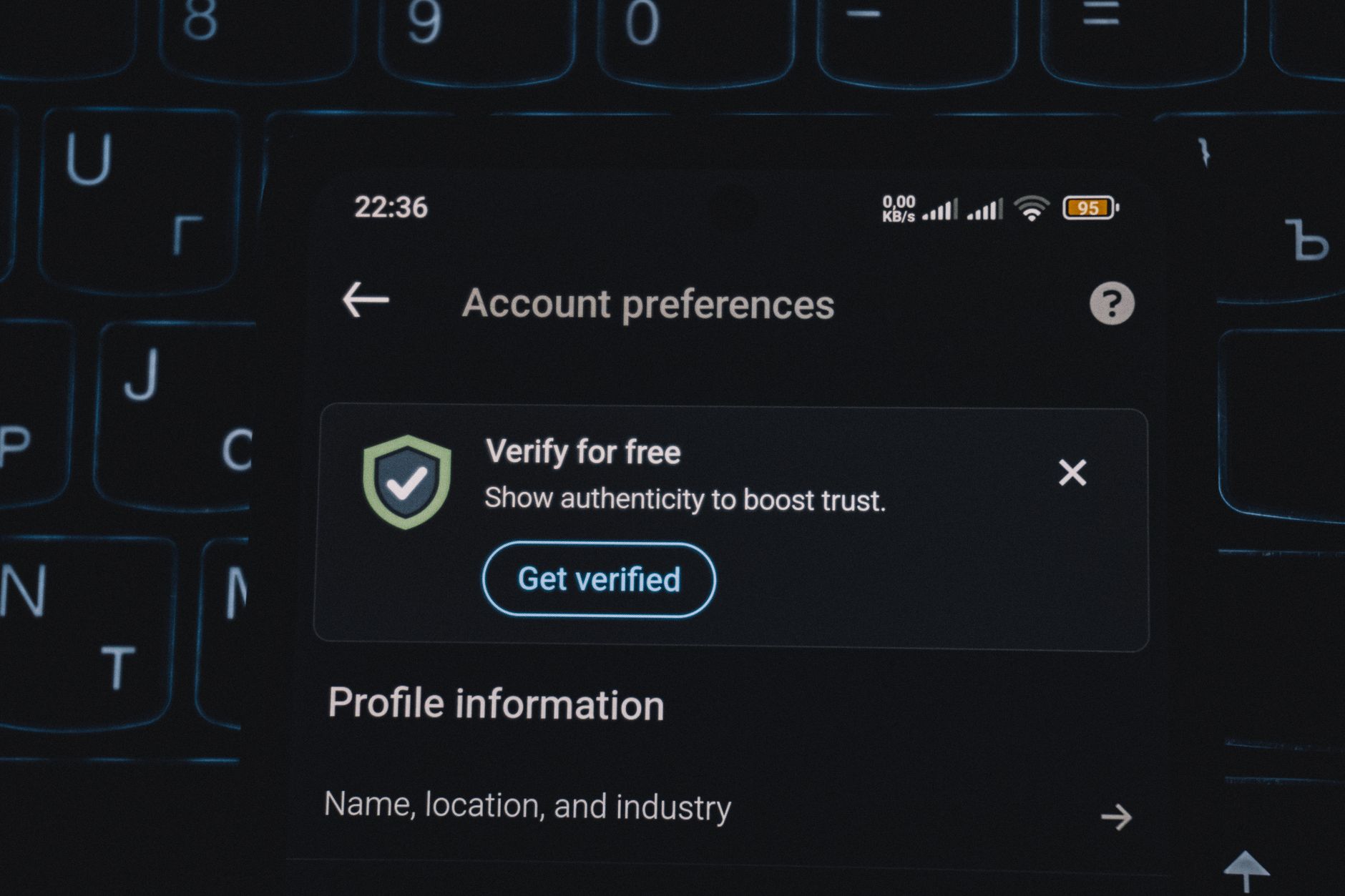
BIMI — Brand Indicators for Message Identification — is the standard that lets you display your company logo directly in the inbox alongside your email. It shows up as a small avatar or icon next to the sender name in Gmail, Yahoo Mail, Apple Mail, and a growing number of other clients. For recipients, it's a quick visual cue that the message is legitimate. For senders, it's a trust signal that distinguishes your brand in a crowded inbox. If you've been wondering how some companies get that logo to appear while yours doesn't, BIMI is the answer.
How BIMI Actually Works
BIMI builds on top of DMARC. Before you can implement BIMI, you need a DMARC policy set to either p=quarantine or p=reject on your sending domain — p=none doesn't qualify. This requirement ensures that only domains with meaningful authentication controls can claim a verified brand indicator. BIMI then adds a DNS TXT record that points to a hosted SVG version of your logo, and optionally a Verified Mark Certificate (VMC) that proves you own that logo through a certificate authority.
The DNS record itself looks like this:
default._bimi.yourdomain.com IN TXT "v=BIMI1; l=https://yourdomain.com/logo.svg; a=https://yourdomain.com/vmc.pem"The l= parameter points to your SVG logo file. The a= parameter points to your VMC if you have one — optional for some mailbox providers but required for Gmail's verified checkmark treatment.
The SVG Logo Requirements
Not just any SVG file will work. BIMI requires a specific SVG profile called SVG Tiny P/S, which is a simplified, security-hardened version of the SVG format. Standard SVG files exported from Illustrator or Inkscape won't pass validation without conversion. Your logo must also be in square format — BIMI displays it as a circular icon, so anything that doesn't look good at 1:1 ratio at small sizes will look poor in the inbox.
Several online tools and logo preparation services can convert an SVG to the correct profile. Once you have a valid file, host it on an HTTPS URL with a correct Content-Type: image/svg+xml header. The hosting location needs to be publicly accessible and consistently available — if your logo URL returns a 404, BIMI fails silently and your logo disappears from recipient inboxes without any warning.
Verified Mark Certificates: Do You Need One?
A VMC is a digital certificate issued by an authorized Certificate Authority that cryptographically ties your brand logo to your domain. Yahoo and Apple Mail will show your BIMI logo without a VMC — the DNS record and a valid SVG file is enough. Gmail, however, requires a VMC for the verified sender checkmark treatment.
VMCs are issued by two current authorities: DigiCert and Entrust. The process requires you to own a trademark registration for the logo you're submitting, which means the logo must be a registered trademark in the relevant jurisdiction. The application process takes several weeks and involves verifying your trademark registration documents.
If your logo isn't trademarked, or if you're a smaller business not ready for that investment, you can still implement BIMI for Yahoo and Apple Mail users without a VMC. That covers a significant portion of consumer inboxes and still delivers the logo display benefit where it matters most.
DMARC Prerequisites for BIMI
Because BIMI is gated on DMARC, getting your authentication infrastructure right comes first. Your SPF record must be valid, your DKIM signatures must align with your From domain, and your DMARC record must specify p=quarantine or p=reject. DMARC alignment in strict mode is preferred for the strongest trust signal, though relaxed alignment is accepted.
If you're currently running p=none for monitoring, you'll need to graduate your DMARC policy before BIMI will display. Moving to p=quarantine means legitimate emails that fail authentication start going to spam — so before making that change, you need confidence that all your authorized sending sources are properly signed and listed in SPF. Review your DMARC aggregate reports to identify any unauthorized or misconfigured senders before enforcing the policy.
MailDog's DNS security tools make it easier to monitor DMARC alignment across all your sending streams and catch authentication gaps before they cause delivery problems.
Testing Your BIMI Setup
Once your DNS record is published, allow time for TTL expiry before expecting it to propagate fully. Validation tools like the BIMI Inspector at bimigroup.org let you check whether your record is syntactically correct and whether your SVG file passes format requirements. You can also test by sending mail to a Yahoo Mail address and checking whether the logo appears in the sender column.
Note that BIMI only displays in clients that have implemented support for it. It won't show up in every email client, and older clients won't display it even if everything is configured correctly. What matters is that the major consumer mailbox providers — Gmail, Yahoo, and Apple Mail — all either support it fully or have it on their roadmap.
The Business Case for BIMI
The logo isn't purely cosmetic. Several studies have found that email with a recognizable brand indicator in the sender column sees measurably higher open rates. Subscribers are more likely to open mail from a sender they recognize at a glance, and the presence of the logo signals that the message passed rigorous authentication checks — which it did.
For transactional email in particular — order confirmations, shipping notifications, password resets — BIMI helps recipients immediately identify critical messages as genuine, reducing the chance they'll miss or ignore them. When you invest in email infrastructure through platforms like MailDog's mail service, adding BIMI is a natural next step in making that investment pay off visually at the inbox level.
If you're just getting started with authentication, visit the MailDog documentation for step-by-step guidance. You can also browse the blog for deeper dives into SPF, DKIM, and DMARC setup before tackling BIMI. For questions about your specific setup, contact the MailDog team.