BIMI Explained: How to Add Your Brand Logo to Gmail and Yahoo Inboxes
What BIMI Actually Does
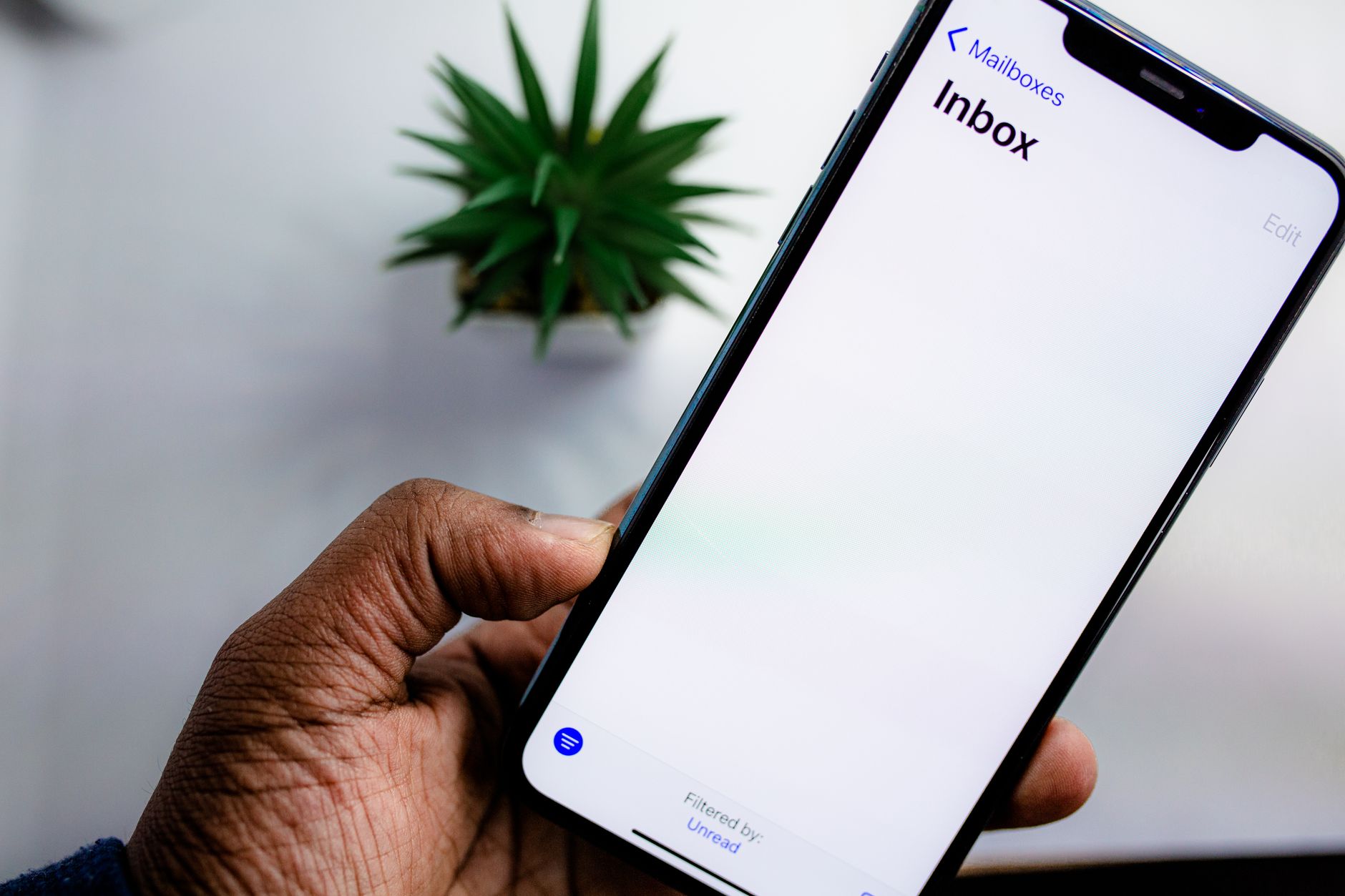
Brand Indicators for Message Identification — BIMI for short — is a standard that lets you display your company's logo next to your emails in supported inboxes. When a recipient sees your message in Gmail or Yahoo Mail, your logo appears as the sender avatar instead of a generic initial or placeholder. It's a small visual detail that carries real weight: recipients recognise your brand before they even read the subject line.
BIMI is the last authentication layer most senders haven't implemented yet. If you've already set up SPF, DKIM, and DMARC, you're most of the way there. This guide walks through exactly what BIMI requires, what a Verified Mark Certificate is, and how to set it up without guesswork.
Why BIMI Matters Beyond Branding
The logo is the visible benefit, but the real value of BIMI is trust. Inbox providers only display BIMI logos for senders with strong email authentication in place. To qualify, your domain needs DMARC configured at enforcement — meaning a p=quarantine or p=reject policy. Senders who can show a logo have already proven their domain is properly secured.
From a recipient's perspective, a logo in the inbox is a signal that this email is legitimate. In a world where phishing is constant, that visual cue reduces hesitation before opening. Senders who have deployed BIMI consistently report measurable lifts in open rates — not because the logo is flashy, but because it signals authenticity at a glance.
The Authentication Foundation BIMI Requires
Before you touch a BIMI record, your authentication stack must be solid:
- SPF – Your domain must have a valid SPF record authorising your sending sources.
- DKIM – Every outbound message must be DKIM-signed with a key that aligns with your sending domain.
- DMARC at enforcement – Your DMARC policy must be
p=quarantineorp=reject. Ap=nonepolicy disqualifies you entirely. Review the DMARC setup guide if you haven't reached enforcement yet.
If any of these is missing or weak, your BIMI record will be silently ignored. Fix authentication first — there is no workaround.
Understanding Verified Mark Certificates
Gmail requires something Yahoo doesn't: a Verified Mark Certificate (VMC). A VMC is a digital certificate issued by a certification authority — currently DigiCert and Entrust — that confirms your logo is a registered trademark and that you have the legal right to display it in email.
Getting a VMC requires:
- A trademark registration for your logo in the country or region you're targeting.
- An SVG version of your logo that meets the BIMI specification — scalable, properly formatted, no scripts.
- Purchasing the VMC from DigiCert or Entrust — costs typically run between $1,000 and $1,500 per year.
Yahoo Mail currently displays BIMI logos without requiring a VMC, making it a useful testing ground before committing to the certification cost. For Gmail, the VMC is mandatory.
Preparing Your Logo SVG
The BIMI specification requires a specific SVG format. A standard export from Illustrator or Inkscape won't work without modifications. The file must:
- Use the SVG Tiny P/S profile
- Be square in aspect ratio (1:1)
- Have a solid background — transparent backgrounds are not permitted
- Be under 32KB
- Contain no scripts, animations, or external references
Several paid tools automate the conversion to BIMI-compliant SVG format. If you're comfortable working directly with SVG markup, the BIMI working group publishes the full specification with code examples.
Creating the BIMI DNS Record
Once your logo is ready and your VMC is in hand, publishing BIMI requires a single DNS TXT record at a specific subdomain:
default._bimi.yourdomain.comA complete BIMI record looks like this:
v=BIMI1; l=https://yourdomain.com/logo.svg; a=https://yourdomain.com/bimi.pemThe l= parameter points to your hosted SVG file. The a= parameter points to your VMC certificate file (a .pem file provided by your certificate authority). If you're testing on Yahoo without a VMC, you can omit the a= parameter temporarily.
Both files must be hosted over HTTPS, respond with a 200 status code, and be publicly accessible without redirects. A CDN that occasionally rewrites URLs or returns 301s will cause intermittent verification failures.
Verifying Your BIMI Setup
After publishing the DNS record, allow up to 48 hours for propagation. Verify using the BIMI Inspector at bimigroup.org — it checks your DNS record, SVG file, and certificate chain. Then send a test message to a Yahoo Mail address to confirm the logo appears in the sender avatar position.
For Gmail, send to a Gmail account after the VMC is in place. If the logo doesn't appear after 48 hours, check that your DMARC policy is truly at enforcement, that the SVG is served without redirect issues, and that the VMC certificate chain is valid and trusted.
Which Providers Currently Support BIMI?
As of 2026, Gmail and Yahoo Mail are the two largest inbox providers displaying BIMI logos. Apple Mail added support in recent versions, and Fastmail supports it as well. Microsoft Outlook has not yet implemented BIMI, though the standard is gaining momentum.
Given that Gmail and Yahoo together represent the majority of consumer inboxes, BIMI is already worth implementing for most senders with a volume-driven email program.
Is the Investment Justified?
For senders with a trademarked logo, an established authentication stack, and meaningful send volume to Gmail or Yahoo: yes, clearly. The VMC cost is usually recovered within the first month through open rate improvement alone.
For smaller senders, start by deploying BIMI on Yahoo (no VMC required) to measure the impact before pursuing trademark registration and full certificate issuance. The DNS record and SVG file cost nothing to publish — you're only deferring the certificate expense.
The DNS security tools at MailDog make it straightforward to manage SPF, DKIM, DMARC, and BIMI records in one place. If you're building out your authentication stack from scratch, the SPF setup guide and DKIM explainer are the right starting points before tackling BIMI. Once those are solid, adding the visual layer is a natural next step — and the one your recipients will actually notice.